Blog
Running Amp Orbs on my own workstation
I set up Amp's self-hosted Orbs on a Linux workstation with Docker. Here's what runs locally, how a thread starts and resumes, and what still goes through Amp.
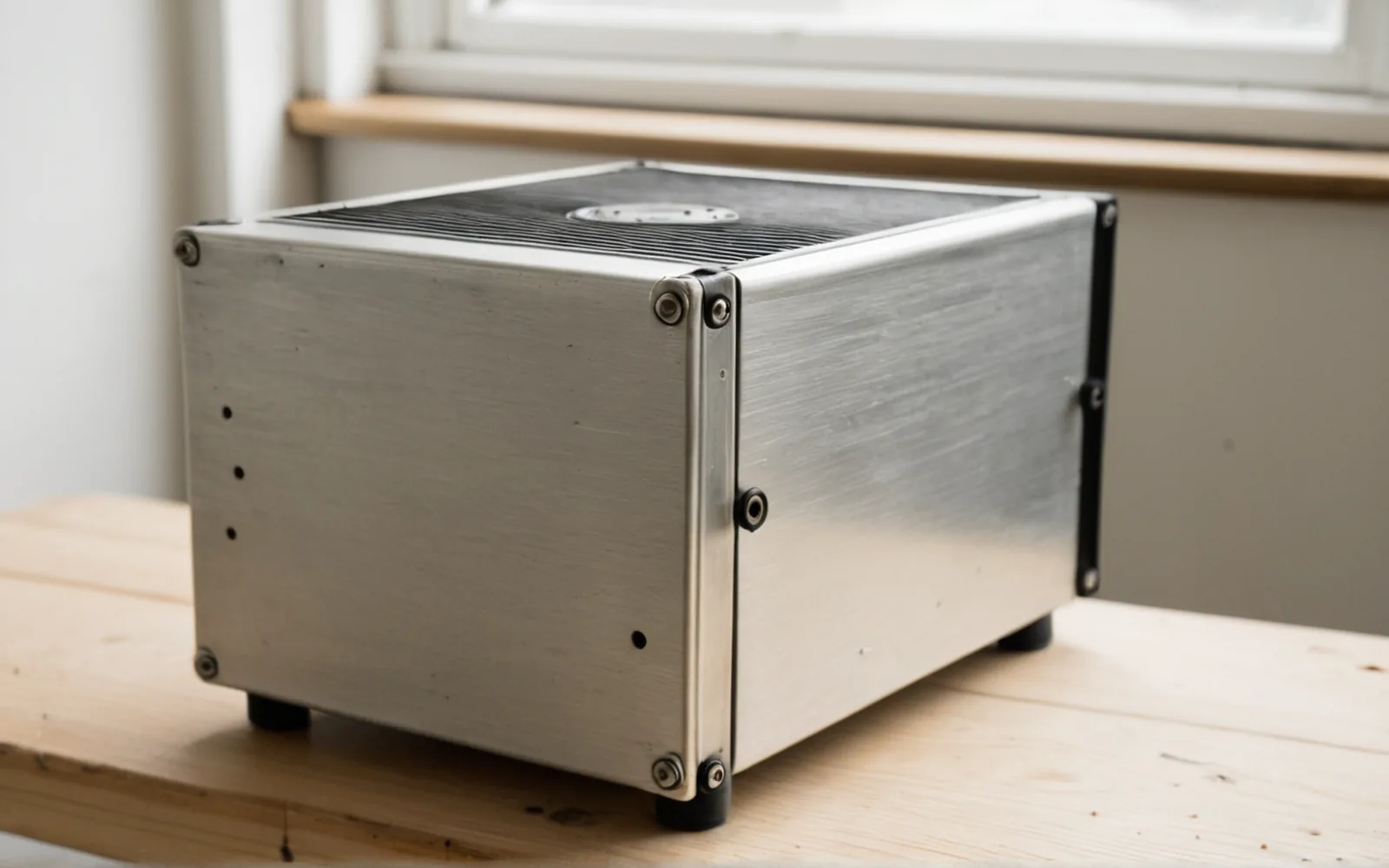
Amp announced self-hosted Orbs on 22 October, and this morning I set up a provider on my Linux workstation with Atlas. An Orb is the machine Amp gives a thread to work in, with a shell, files and development tools. Normally Amp provides that machine. With this setup, selecting my provider in a new thread creates a Docker container on my workstation instead. I can give the agent a task through Amp and have the commands run here, in a separate environment from my everyday checkout. The provider is now running as a background service, waiting for work. Registering it didn't start a queue of coding jobs or move my existing projects into containers.
Who is it for?
Self-hosted Orbs are useful for developers and teams who already want to use Amp but need to choose the machines doing the work. Amp's self-hosting guidance gives examples such as internal network access, a required cloud account or region, and custom hardware. My workstation setup is a smaller version of that arrangement. Practical uses include:
- Private development services: let a build reach an internal package registry, test API or development database through the network available to the Orb.
- Checkout and build location: keep the working repository, generated files and saved Orb disks in infrastructure your organisation controls, including a required account or region.
- Custom environments: supply an image with the toolchains or internal certificates a project needs, or use a platform that can expose the hardware the task requires.
- Using existing compute remotely: submit work through Amp's website or apps and run its commands on an owned workstation or server while that machine stays available.
Data sovereignty and sensitive information
The documentation explains what leaves your network. Amp still runs the agent loop and model inference on its servers. The local container runs the tools: reading files, changing code, executing commands and producing build output. I haven't installed an AI model on the workstation, so this arrangement still needs Amp's service. For data residency and sensitivity reviews, the data moves as follows:
- The repository checkout, build output and saved Orb disks stay on the infrastructure hosting the Orb.
- File contents the agent reads, command output, diffs, screenshots and other thread attachments go to Amp and are stored with the thread.
- Internal network access is whatever the Orb's environment permits. A tool querying an internal system can return sensitive information in its output, even when the database itself stays private.
Keeping a checkout in an Australian cloud account could satisfy a requirement about where that working copy is held. It does not establish that all processing or copies of the information remain in Australia. If a policy prohibits source code, personal information or command output from going to an external service, this setup will not satisfy it merely because Docker runs locally. The team still needs to approve the actual data sent to Amp and confirm the applicable processing locations, retention and contractual terms. Self-hosting the Orb alone provides no assurance about those points.
How the provider starts a task
The local service is fairly small. amp orb provider connects out to Amp over HTTPS and waits for lifecycle requests. Our dispatch script handles spawn, pause and delete using Docker. When a thread needs its Orb, the script creates or starts the container and runs amp orb bootstrap inside it so Amp can connect the tools to the thread. For a repository-backed thread, Amp normally clones the selected project and runs its setup instructions there. The working copy belongs to that container; it doesn't silently become the folder I already have open in my editor. We used Amp's supplied image. Amp lets you supply the dispatch program, so the access it gives the resulting machine depends on how you configure it. Our configuration was:
- Four CPUs and 8 GiB of RAM per container.
- No host-folder mounts or Docker socket.
- No published container ports.

Read the sequence as text
- The user sends a task in Amp and selects the self-hosted provider.
- The provider receives a spawn job through its outbound connection to Amp.
- The dispatch script creates or starts the Docker Orb and launches Amp bootstrap inside it.
- Bootstrap connects the Orb back to Amp so the agent can use its tools.
- Commands execute in the local Orb; file content and tool output return to Amp, where the agent loop and model inference run.
What we verified
We checked the setup with a disposable thread that had no repository attached. We inspected the container directly as well, rather than relying entirely on the agent's reply, and restarted the provider service afterwards. A real project will add more to check, particularly cloning, dependency installation and whatever services its development environment needs. We haven't put one through that process yet. The lifecycle check covered:
- Create and execute: the agent ran a shell command in the local container, wrote a short text file and printed the hostname and file contents.
- Pause: archiving the thread caused Amp to ask the provider to pause the Orb. Docker stopped the container and retained its files.
- Resume: after unarchiving and continuing the same thread, the agent read the original file without rewriting it, and the hostname was the same.
- Delete: deleting the disposable thread caused the provider to remove its container.
What happens when an Orb pauses
Docker's version of pause is also worth understanding. The files survive, but the running processes stop, so an interactive terminal or desktop session won't carry on exactly where it was. Amp's hosted Orbs preserve memory as well, and other self-hosting platforms have different behaviour. The workstation itself has to stay powered on, awake and connected for this provider to accept or run work. I could submit a task from another device through Amp, but closing a laptop that then goes to sleep would still interrupt the local compute. CPU and RAM limits apply per container too. Several active Orbs can still compete for the host, and stopped containers and saved images still occupy disk. I've left the built-in hosted provider as the workspace default, so starting an ordinary thread won't unexpectedly use this machine.

Read the sequence as text
- Archiving the thread, or inactivity, causes Amp to request a pause.
- The local provider stops the Docker container. Its files remain, while its processes stop.
- Continuing the thread causes another spawn job for the same Orb ID.
- The provider restarts that container and launches bootstrap. The previous files are still available.
- Deleting the thread causes a delete job, and the provider removes the container and its writable disk.
Conclusion
I now have a working local provider that I can choose for an Amp task, with its create, pause, resume and delete behaviour checked. It is useful when I want the working environment on compute I control, or when a project needs the network or environment available there. Sensitive work still depends on permission to send the agent's inputs and tool output to Amp. To use this provider, I select it under Self-Hosted in the Orb picker, or run amp -ox 'Your task' --orb-provider atlas-local --visibility private and select the appropriate project when needed. My next useful check is a small repository-backed change with a normal build command and a diff I can inspect. The built-in hosted provider remains the default for other threads.
On X
Got a take on this?
Share it on X. I read the replies.